Automated Rules for campaign optimisation
Release date: September 17, 2024
What’s New?
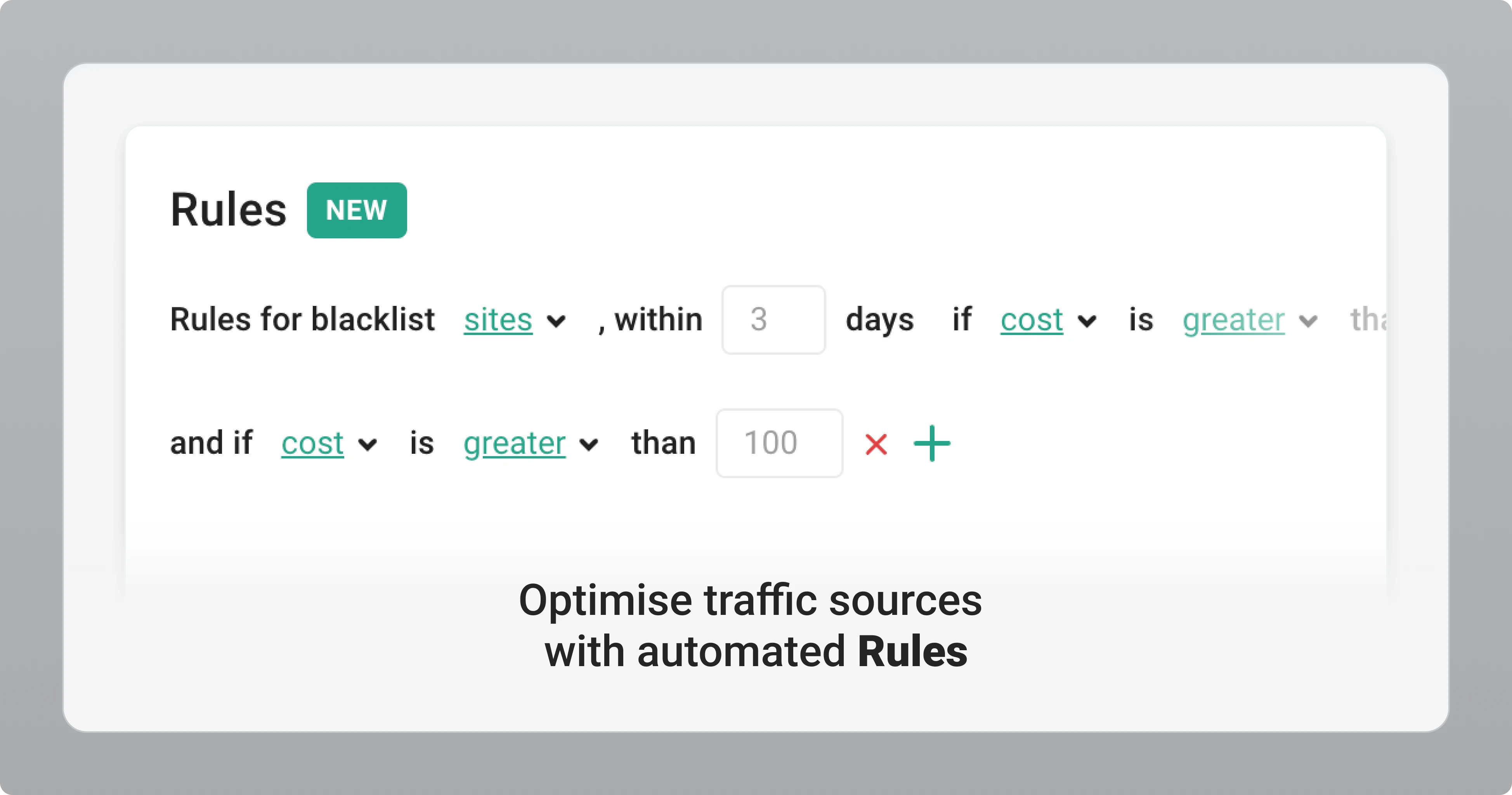
We’ve added Automated Rules to the Campaign page for all advertisers.
Rules automatically optimise traffic sources by blacklisting sites and spots based on performance data collected over a period you define.
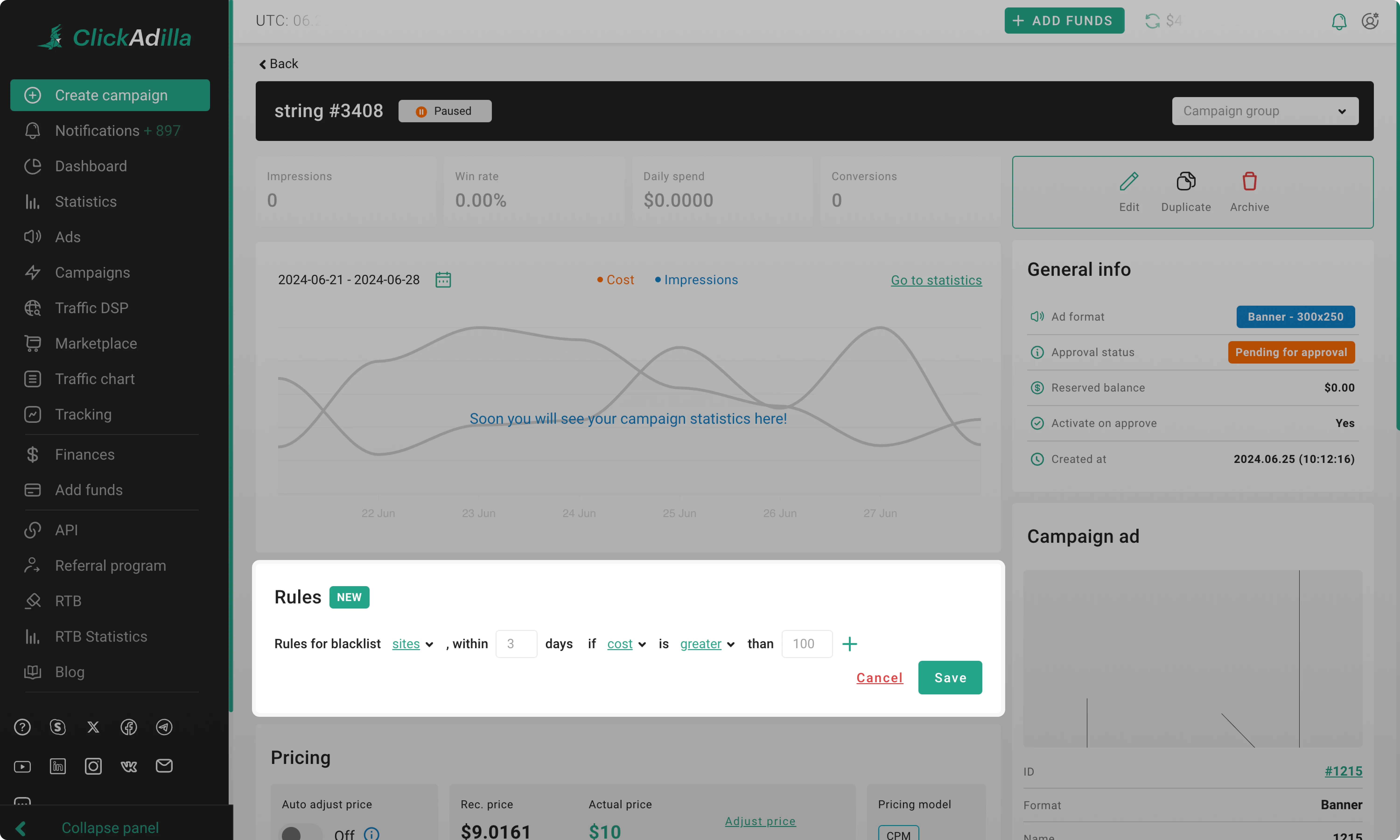
How it works
Instead of reviewing statistics and adding sources to the blacklist yourself, you define conditions once. The system applies them automatically.
Defining conditions. Choose:
— Performance metric, such as cost, clicks, or impressions.
— Data collection period, last X days.
Data collection. Rules activate after the campaign has been live for at least 24 hours from launch. This ensures enough statistical data for evaluation.
Automatic blacklisting. If a source meets your defined conditions, it is automatically added to the campaign blacklist. No manual action required.
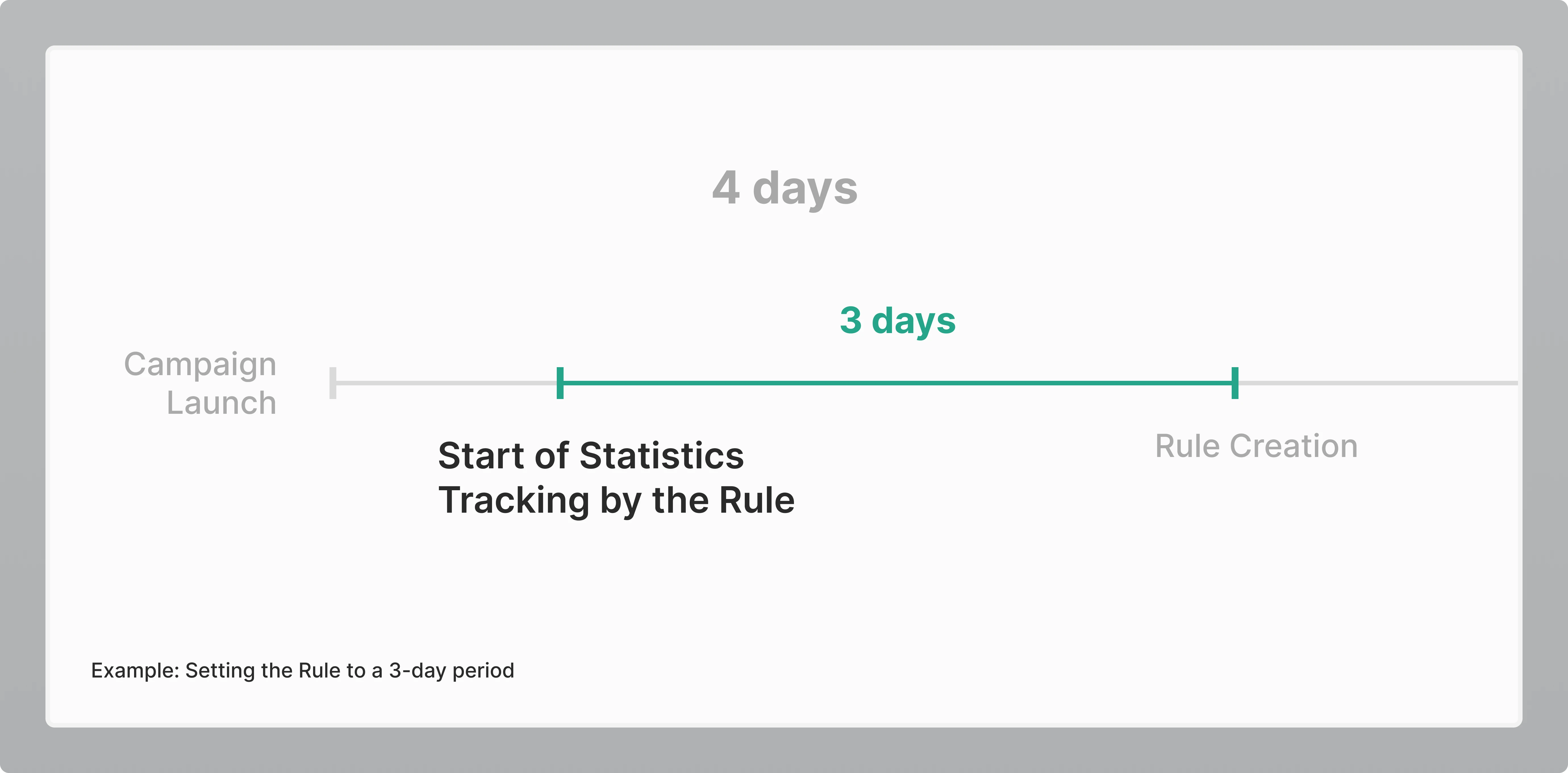
Example of a 3-day Rule
Campaign launched 4 days ago.
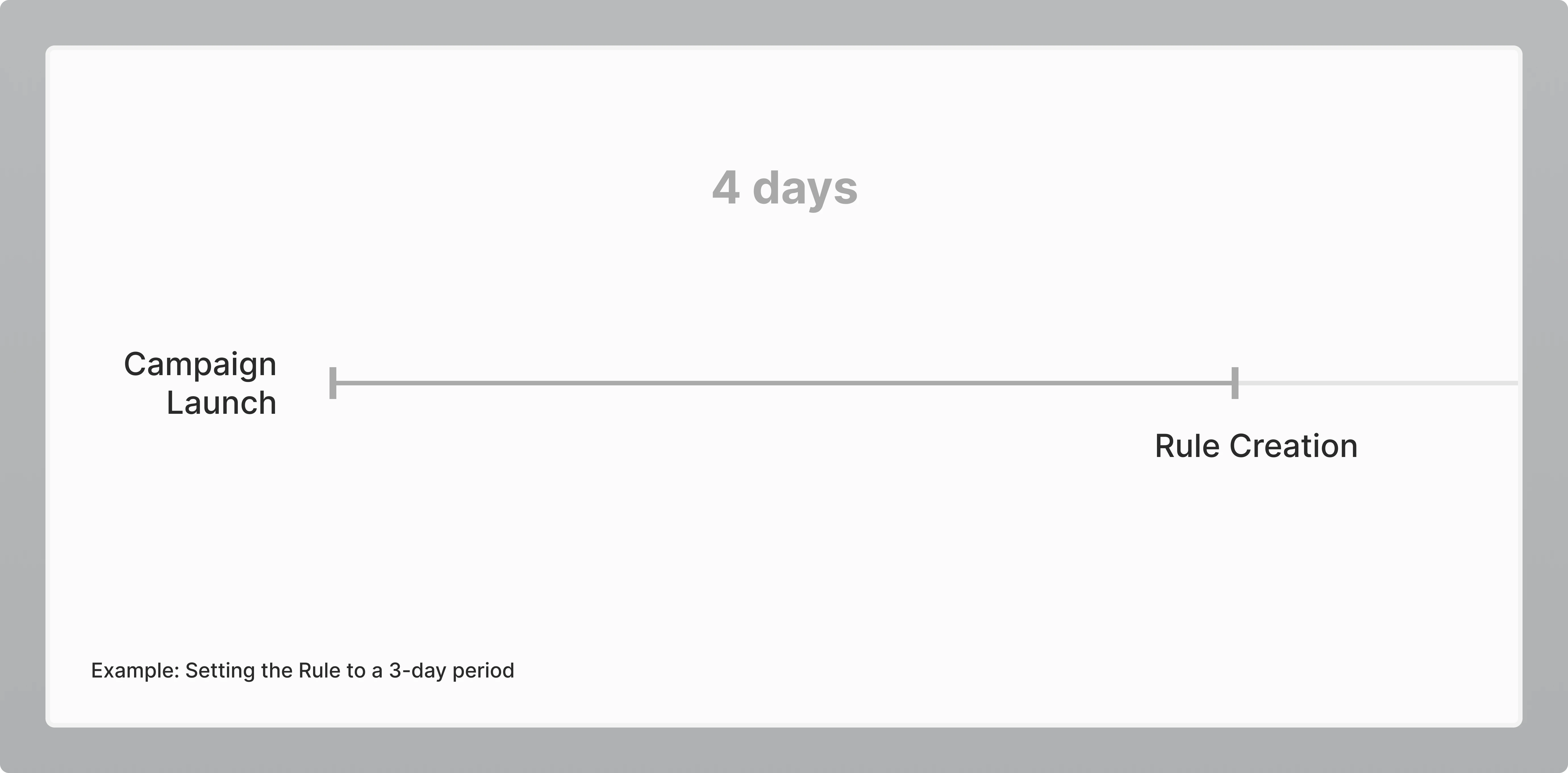
You created a Rule with a 3-day data period.
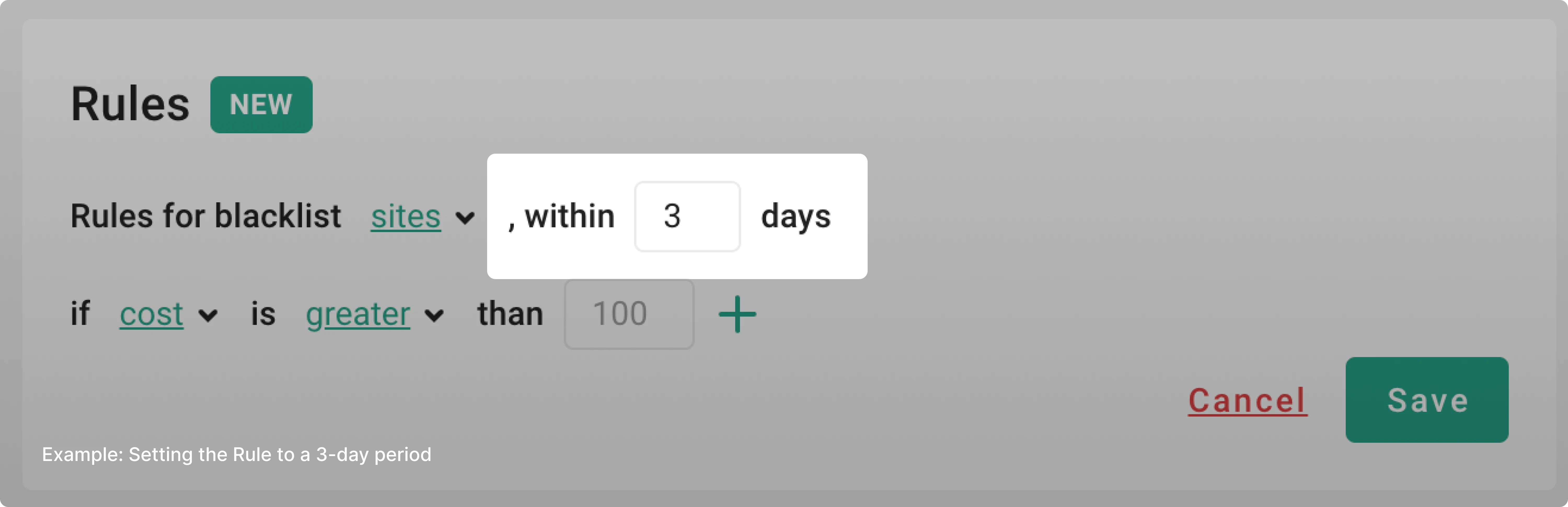
The system evaluates statistics from the last 3 days only and applies the Rule based on that data.
The Rule always:
— defines the timeframe,
— collects data within that timeframe,
— applies blacklisting based on your conditions.
A detailed setup guide:
Rules: How to optimise campaigns →
