What is Smart CPM
Smart CPM is an auto-optimization feature that helps you buy traffic at optimal prices without manual bid updates.
How it works
Smart CPM automatically adapts to auction conditions. You can set a maximum price higher than the recommended one, while the algorithm maintains traffic volume and keeps costs within budget.
How to enable Smart CPM
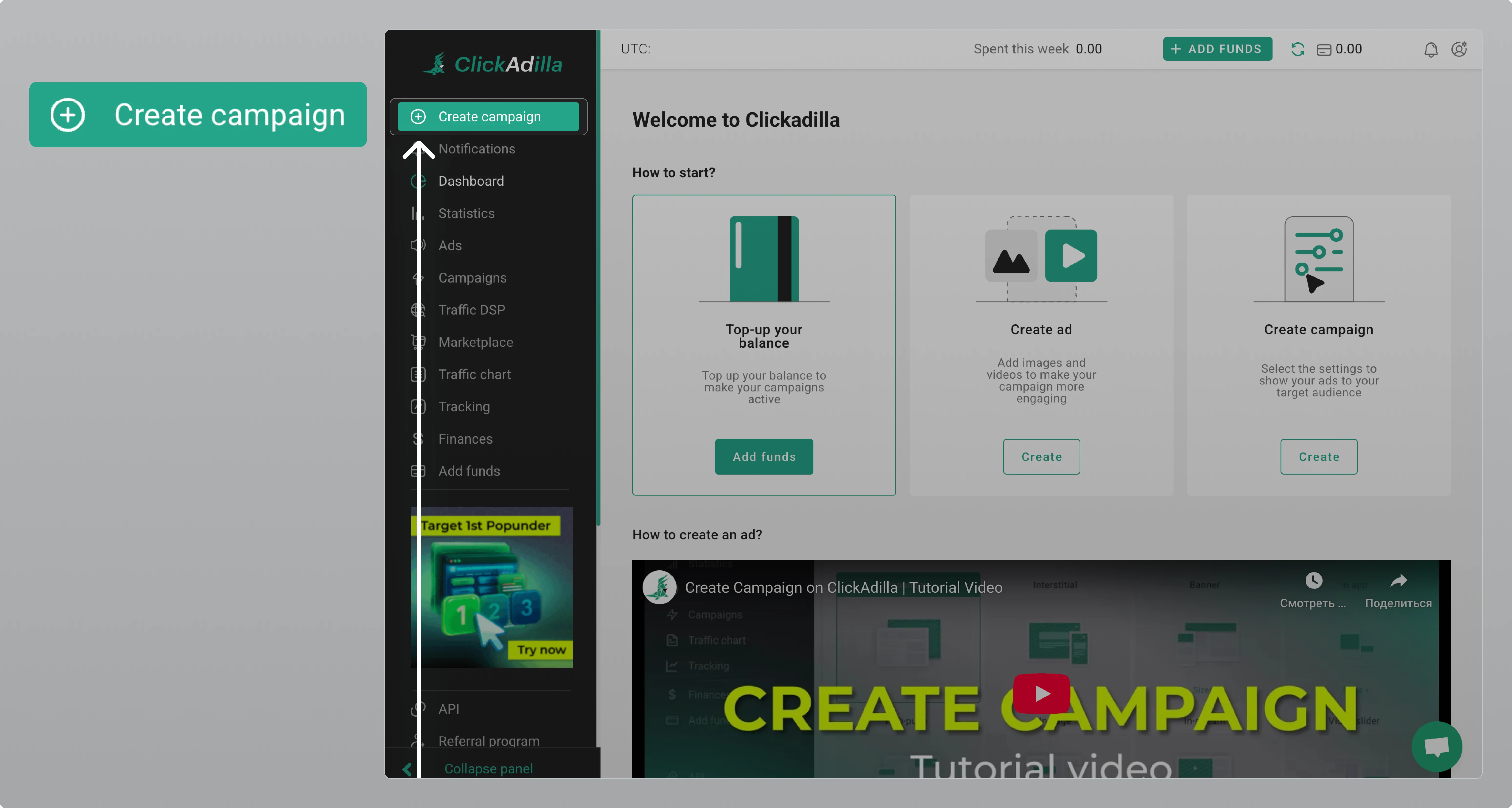
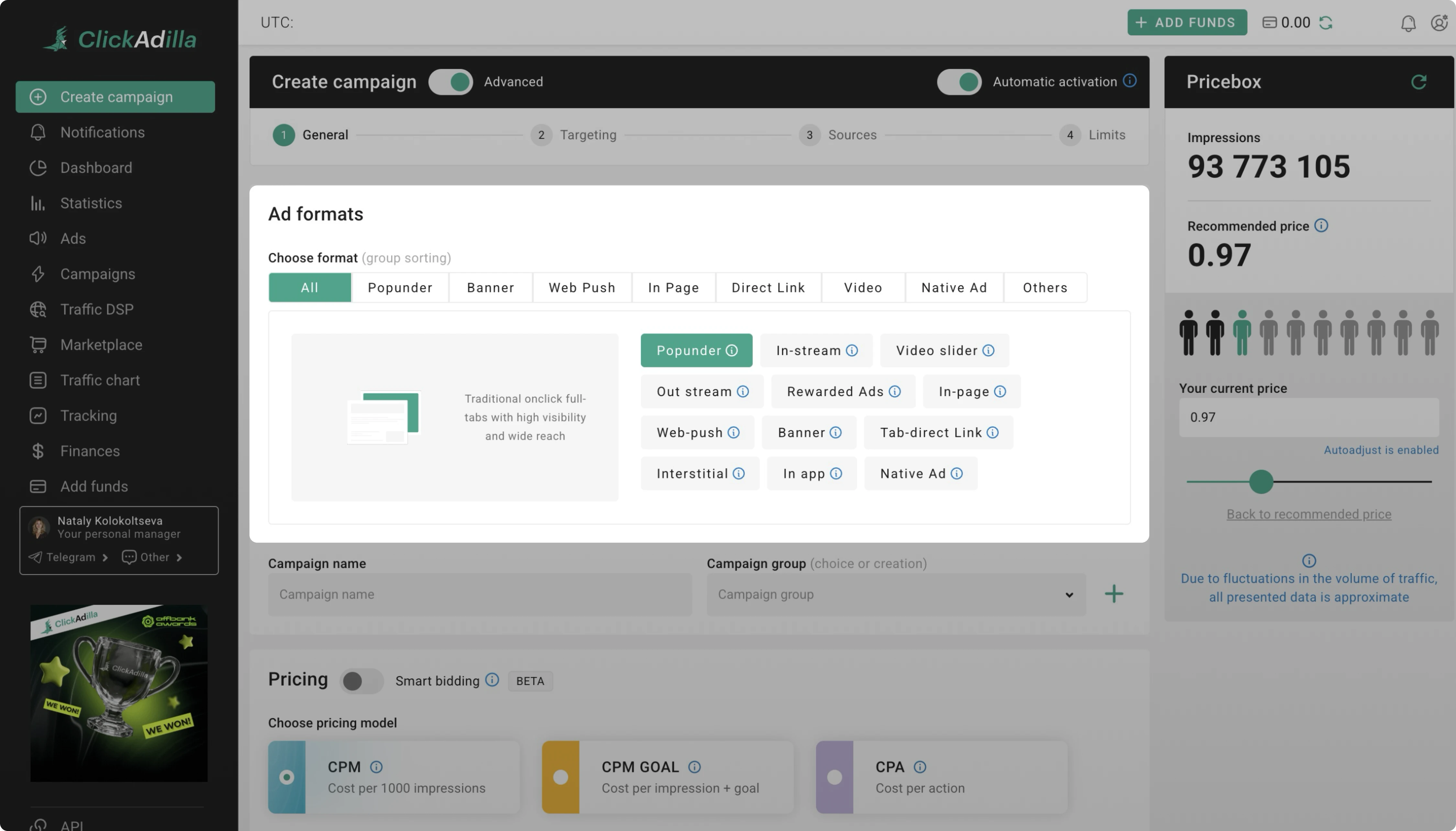
Step 1. Go to your ClickAdilla dashboard → Click on Create campaign → Select an ad format. Smart CPM is available for Popunder, with more formats coming.
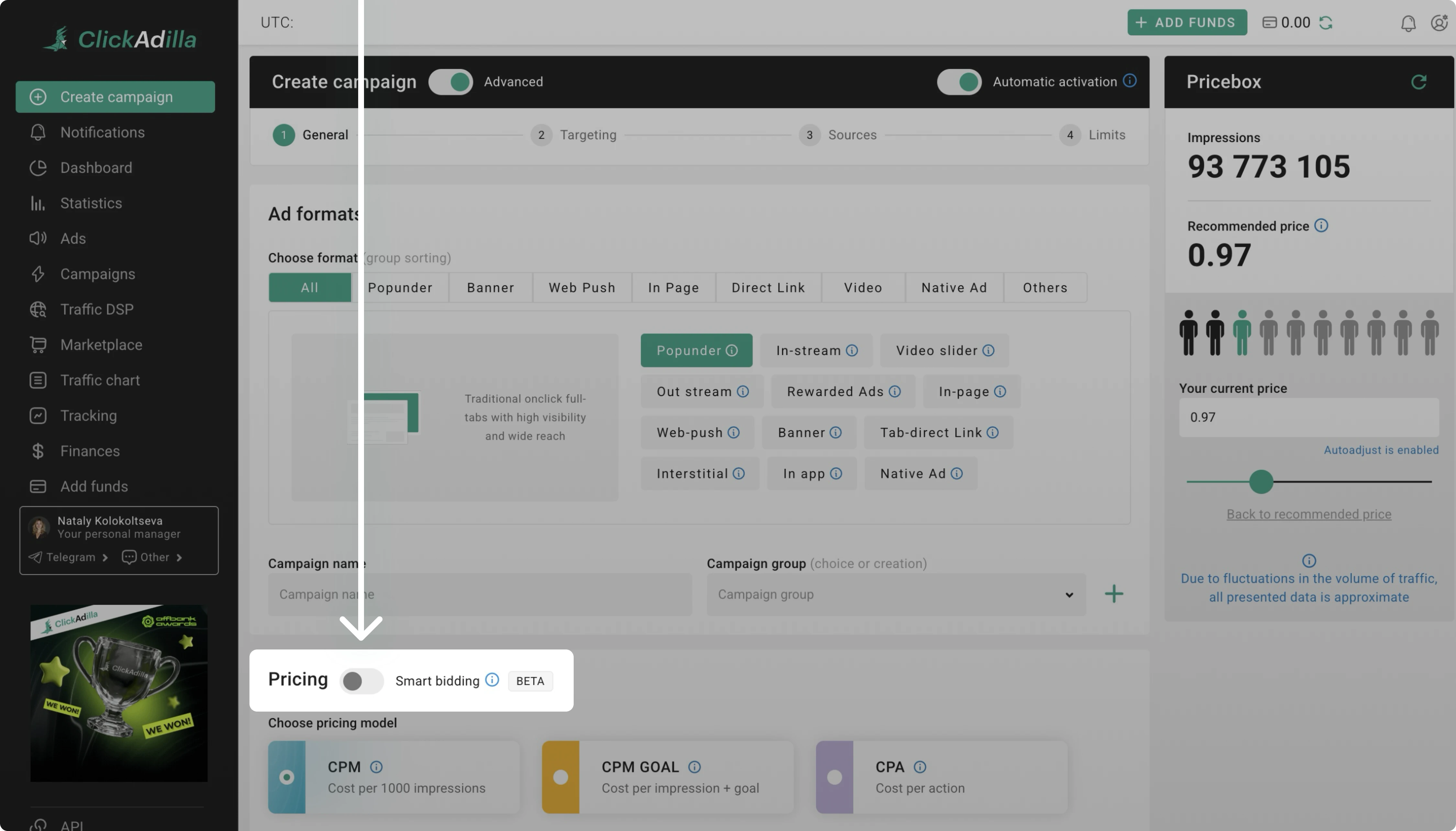
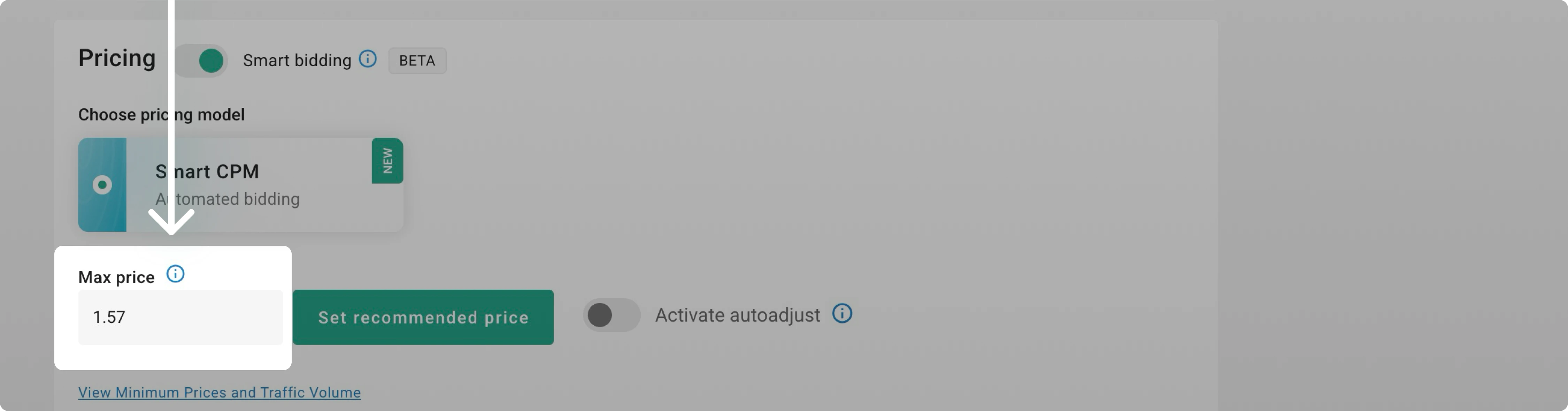
Step 2. Turn on Smart bidding to switch CPM to Smart CPM
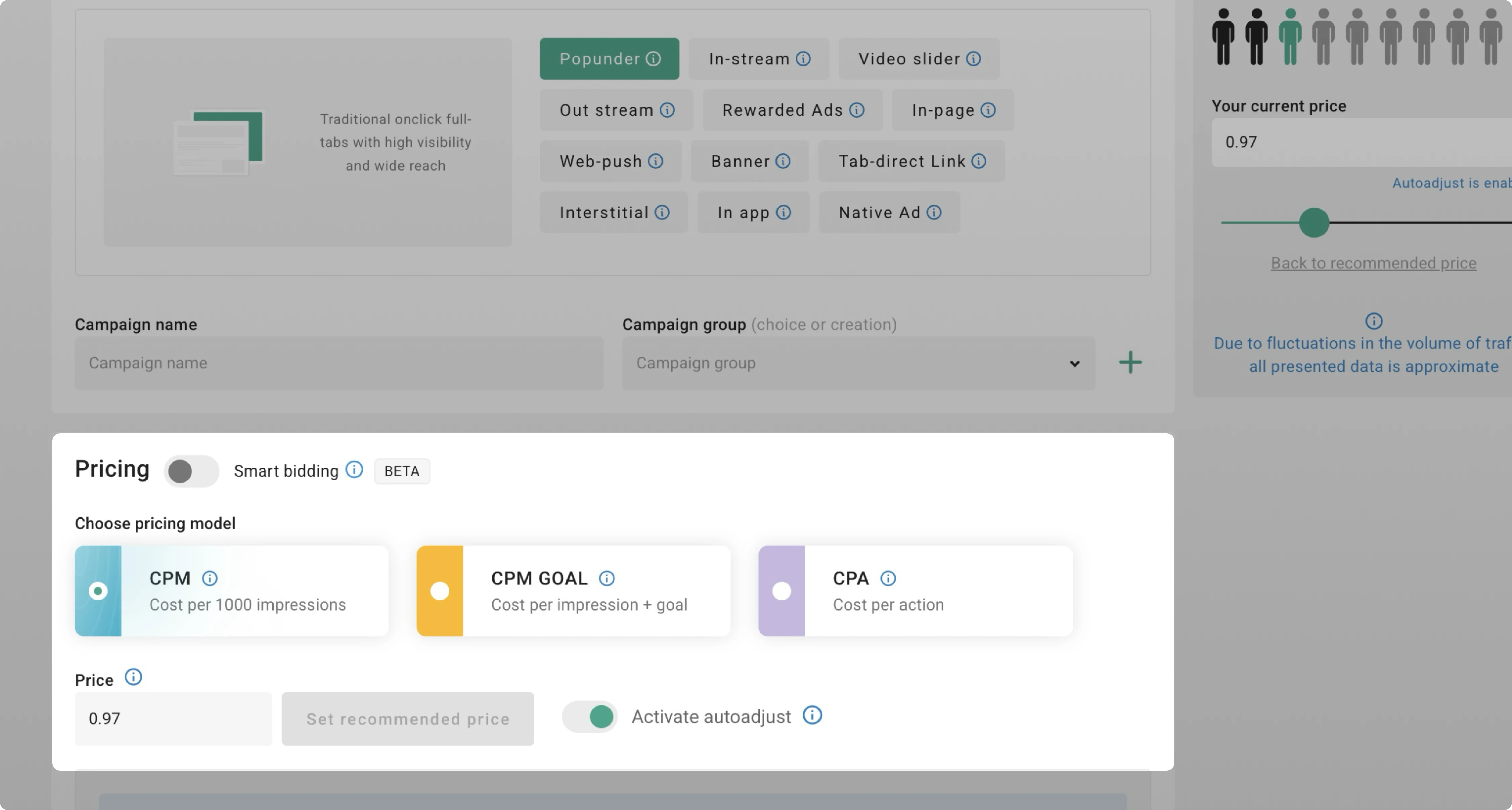
Step 3. Set your maximum price. The Max price replaces the recommended one. Enter it as your upper limit, that can be higher than the recommended price.
Create campaign
Once Smart CPM is enabled, add targets and limits to your campaign. Select an ad and set parameters.
If you need assistance, our support team is here to help.
